Overlay said "Da Nang" — the exact banh mi cart found
Da Nang, Han Market side street
91%Likelyoverlay hint verifiedplastic stools
Solved →
Free TikTok location finder — blurry paused frames welcome
Paused a travel TikTok and can't find the spot? Upload the screenshot — buttons, captions and text overlays are handled automatically.
UI & text overlays handled automatically · Screenshots deleted in 24h
No screenshot yet? Try one of ours:
Paused a travel TikTok and can't find the spot? Upload the screenshot — buttons, captions and text overlays are handled automatically, and the AI reads the scene to work out where the video was filmed, even with no location tag. You get the place's name, a map, and what's nearby. Free, no sign-up. This finds where a video was filmed — not a creator's account country or IP.
Paused frame in · spot name out
Every one of these came in as a paused-frame screenshot — button rail, captions, overlays and all. Here's what the TikTok location finder did with them:
"Drop the location 📍" — a video with no answer in 3,000 comments
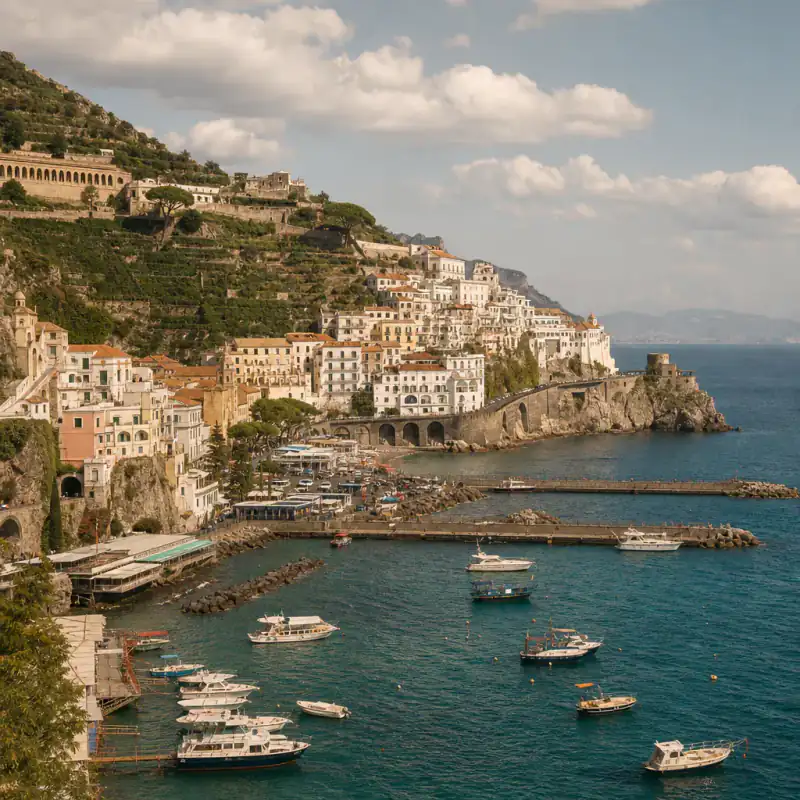
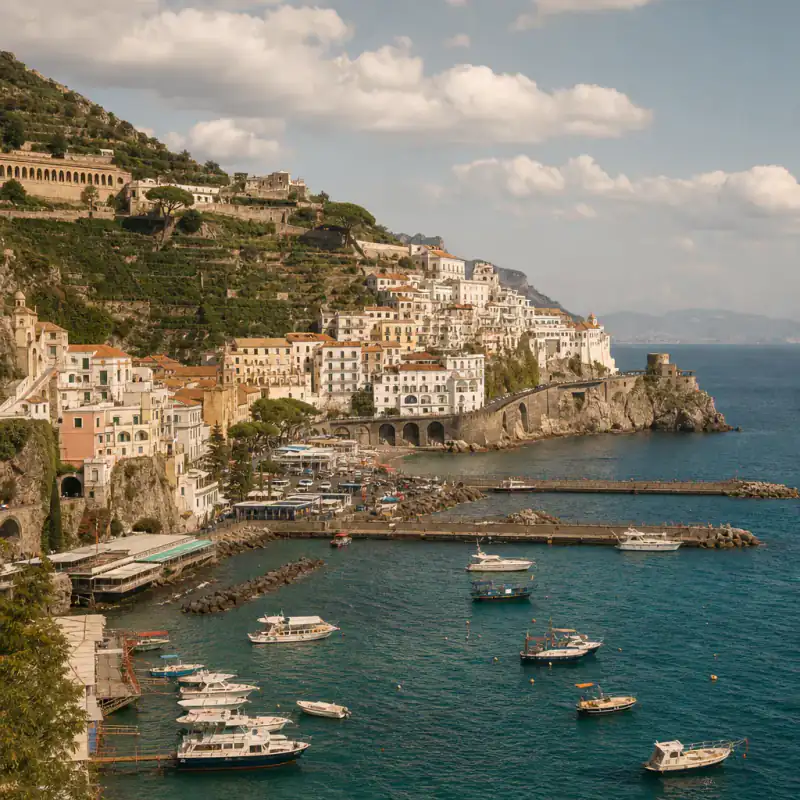
Found: Kelingking Beach, Nusa Penida · 90% Likely
Free result: spot name + map area + nearby — exact pin unlocks separately
Open in Google MapsFull analysis
Kelingking Beach, Nusa Penida · 90% Likely
The raw pause still had the right-side button rail, a music ticker, and an overlay that only said "hidden gem 🌴". After UI crop, three clues lined up: the T-rex cliff silhouette unique to Kelingking, turquoise shallows wrapping the headland, and hard midday equatorial light — not the flat sand + sunset palette that would push Kuta or Seminyak.
The overlay narrowed the search to tropical cliffs; the coastline shape verified the exact beach. Output was the place name, a map area, and nearby coves — not just "Bali". Compare the headland curve on Maps or Street View before you plan the trip.
Full analysis
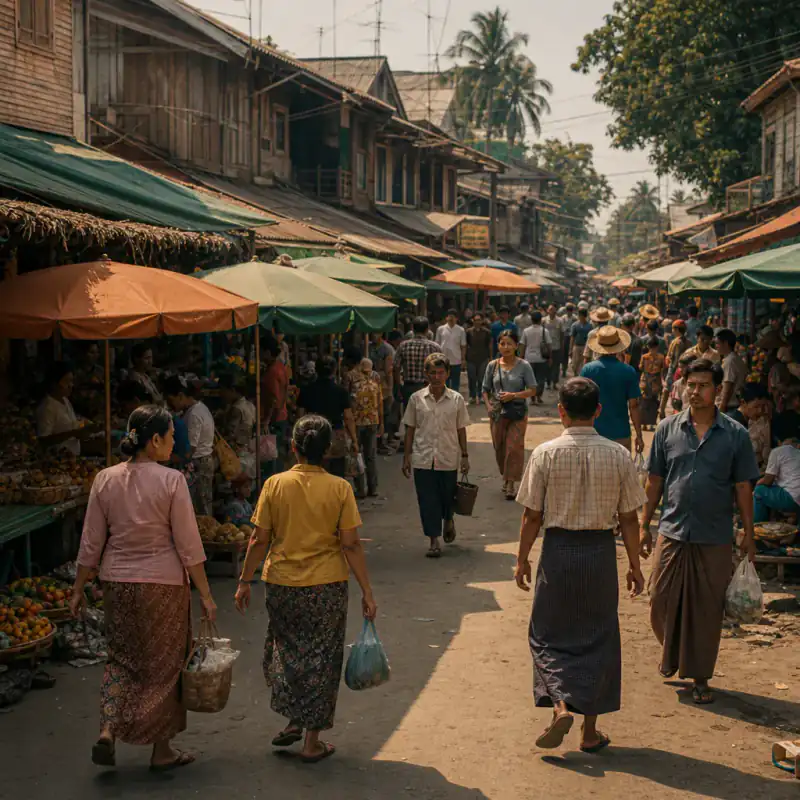
Da Nang, Han Market side street · 91% Likely
On-screen text said "Da Nang". That became a hint, not a pin. After discarding the username and sound title, the frame showed plastic stools, a metal cart rail, and a Vietnamese menu board edge. Those details — verified against the scene, not trusted alone — narrowed from city to the Han Market side street.
Treat creator text as a lead. The pixels have to agree before you get a TikTok video location you can open on a map.
Full analysis
Chiang Mai, Thailand · not enough evidence for a pin
This pause landed on a beat-drop food close-up: bowl fills the frame, motion blur, no storefront, no street, no skyline. Night-market lanterns appeared for half a second earlier in the clip but weren't in the uploaded frame. The result named Chiang Mai at city level from weak ceramic and lighting cues — and labeled it low evidence instead of inventing a stall pin.
Fix: scrub back to a wide establishing shot or any readable sign, then add that second frame so the clues combine. Exact-spot answers need background, not just the dish.
Real paused frames, real analyses — including the miss. Tap any card for the clues that revealed where each TikTok was filmed, or why we refused to guess. No staged demos.
It's not you
GPS metadata is gone the moment a video uploads — a saved video tells you nothing. See what any file still reveals → EXIF viewer
Location tags are optional, and a tag like "Bali" covers five thousand beaches. The overlay text often names a city — and stops there.
"Comment for the location 👀" farms thousands of comments, and the answer often never comes. You're not missing it — it was never posted.
That's why finding where a TikTok was filmed has to start from the paused frame — not wait for the pin.
Scene, not people: this tool identifies places in the video. Don't use it to track or expose private individuals — uploads that look like that get blocked.
Transparent pipeline
From TikTok UI noise to a place you can open on a map — step by step.
The button rail, caption bar, sound ticker and tabs are detected and removed. You see, and can adjust, exactly what the AI will look at.
Buttons · captions · sound ticker
Creator text like "hidden gem in Da Nang" becomes a hint to verify. Usernames and sound titles get discarded. Overlay context helps; the scene still has to confirm it.
OCR · never trusted alone
Coastline shape, architecture, signage, plants: clues that survive filters, compression and motion blur. That's how it can find the location from a TikTok video that was never tagged.
Coastline · architecture · signage
Top candidates with confidence levels, a map area, and what's nearby. Low confidence? Add a second frame and the clues combine — two frames voting, not one guess twice.
Candidates · map · second frame
The exact pin plus a Street View side-by-side, before you build a trip around a video.
Exact pin · Street View
Paused frames strip GPS — these signals usually remain, even with blur and overlays:
Shop lettering, menus, and alphabet choice often pin a country before anything else.
Coast curves, cliff silhouettes, and city outlines narrow a drone opener to a region fast.
Roof styles, balcony types, street plates, and pavement patterns separate lookalike cities.
Palms, limestone, lantern strings, or hard equatorial light survive filters when faces don't help.
Pause guide
Travel TikToks start with a wide establishing shot. Pause there first.
Grab the moment the creator's text is fully visible. It's a free hint.
A storefront, a street plate, a menu. One readable word can pin a city.
A slow pan gives two vantage points of the same street. Screenshot both ends when you can.
Motion blur and beat drops kill clues. Scrub slowly near scene changes. If the place is said out loud, auto-captions often catch the spelling — use that as a hint, then verify against the scene.
Got two decent frames? Upload the wide one first, then add the second when asked — two frames beat one, every time. Finding a TikTok video location is free either way. A phone screenshot of a clear pause is enough for most cases; you don't need to download the file first.
Manual methods
Creators answer once, pin it, and never reply again. Sort comments by top.
The place is often said out loud but never written — auto-captions catch the spelling you couldn't. Ambient sounds (transit chimes, languages) are a second clue, not proof alone.
Travel creators group videos by trip; a tagged video in the same series gives the spot away. Bios and city hashtags often name the region the overlay skipped.
Type the on-screen phrase into search — popular spots have been identified in other people's videos. Location stickers on Stories, when present, are a lead to verify.
Got a rough region from the overlay or the AI? Satellite view plus the coastline or street pattern from the video finishes the job. Confirm geometry on Street View before you go.
Specific, flattering, easy to answer. "📍?" gets scrolled past.
Honest triage
There are two kinds of tools for a TikTok location, and they solve different problems. Link-paste apps (ReelMap, TokSpot) extract the places a creator mentioned — in the caption, the voiceover, a tag. Brilliant when the place was named. But when nobody said it out loud, there's nothing to extract. That's when you need to read the scene:
| This finder | Link-paste apps | Pinned comment | Google Lens | |
|---|---|---|---|---|
| Works when the creator never names the place | reads the scene | Landmarks only | ||
| Works when they did name it | overlay becomes a hint | fastest | free | — |
| Input | A paused-frame shot | Video link | The video itself | Screenshot |
| Sign-up needed | Mostly ✓ | |||
| Map + nearby included |
Honest triage: if the creator said the place anywhere, a link app or the pinned comment is faster — start there. This TikTok location finder earns its keep on the videos where they didn't. Looking up a creator's account country or IP is a different problem — this page won't do that. Always verify the free map result on Street View before you go. Lens showed lookalikes but no place? Here's why →
Honest accuracy
On our paused-frame test set — drone openers, overlay-covered frames, night-market clips — city and exact-spot hit rates publish with the methodology once the video-frame subset is locked. Until then: wide frames and any readable sign beat beat-drop transitions and food close-ups; adding a second frame often rescues low-confidence cases. When the evidence is thin, the result says so instead of guessing. Treat every free result as map-ready evidence to verify on Street View, not a finished boarding pass.
PAA answers
Pause on the widest frame, screenshot it, and upload it here. The AI crops the UI, reads the scene, and names the most likely spots with a map. If the frame is weak, the six manual methods above — pinned comments, auto-captions, playlists — solve a surprising number.
Not yet — this works from paused-frame screenshots, which also covers videos you've saved or been sent. If the creator named the place in the caption or voiceover, a link app like ReelMap extracts it faster. If they didn't, the screenshot route is the one that works.
No. Account-region and IP lookup tools estimate where a creator's profile is based. This page works out where a specific video was filmed from a paused frame — beaches, restaurants, streets. Scene, not people.
That's the most common upload we get. The AI doesn't need the creator's answer — it reads the scene: coastline, architecture, signs, plants. If the frame carries enough clues you'll get the spot with the reasoning behind it; if not, it says so honestly.
Usually no. A clear pause screenshot from your camera roll is enough for most cases. Download the highest-quality file only when signage is tiny or compression smeared the text — then pause and screenshot from that file.
Start with one wide establishing frame. If confidence comes back low, add a second from a different angle or a readable sign — the clues from both frames get combined. Three to five well-chosen pauses beat thirty random ones; quality of selection matters more than quantity.
Yes — creator overlays become hints, then get verified against the scene. Platform UI text (usernames, sound titles) is discarded. "Hidden gem in Da Nang" narrows the search; the stools and cart in the frame confirm the TikTok video location.
Often, yes — composition, coastline and architecture survive blur better than text does. If confidence comes back low, add a second frame from the video: the clues from both get combined.
Often the exact spot, when the frame has clues — a storefront, a distinctive shoreline, unusual architecture. When the evidence only supports a city or region, it says so instead of inventing a pin. The paid unlock adds the exact pin with a Street View comparison.
No. TikTok's tags and map only show places creators chose to tag. This works out where the video was filmed from the pixels — no tag needed, which is the whole point.
Yes. Candidates, confidence, reasoning, a map link and nearby places are free with no account. Paying adds the exact pin and Street View proof — from $0.10 per unlock with Plus, or $3.99 once after sign-in. Saving spots to a trip list is free with just an email.
No. It identifies places, not people — using it to track someone violates our terms, and uploads that look like that use case get blocked. It's for finding beaches, not people. Scene, not people.
The TikTok location finder is free, with no sign-up — and your screenshots are deleted in 24 hours.
Free · no sign-up · screenshots deleted in 24h