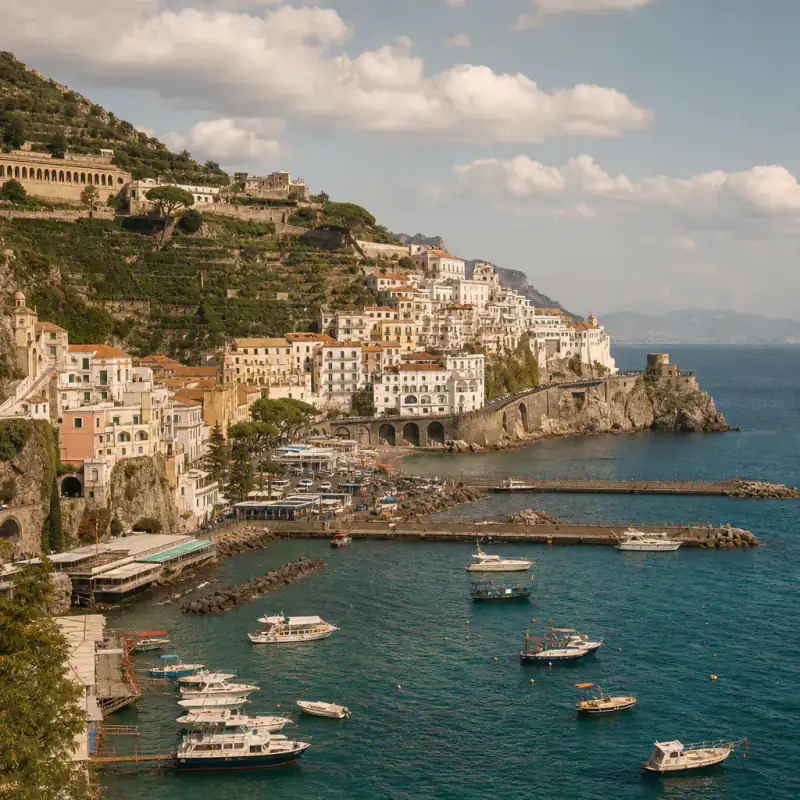
Tagged just "Bali" — exact cliff bar found
Uluwatu, Bali
89%Likelythatched umbrellaslimestone cliff
Solved →
Free Instagram location finder — messy screenshots welcome
Saw a place on a reel with no location tag? Upload the screenshot — captions, stickers and UI get cropped out automatically.
Captions & UI cropped automatically · Screenshots deleted in 24h
No screenshot handy? Tap a sample to see a pre-cached result:
Saw a place on a reel with no location tag? Upload the screenshot — captions, stickers and UI get cropped out automatically, and the AI reads the scene to work out where the Instagram photo was taken. You get the spot's name, a map, and what's nearby. Free, no sign-up.
Dirty screenshot in · spot name out
Every one of these came in messy — captions on, stickers, UI and all. Here's what the Instagram location finder did with them:
"Where is this?😍" — a reel with no location tag
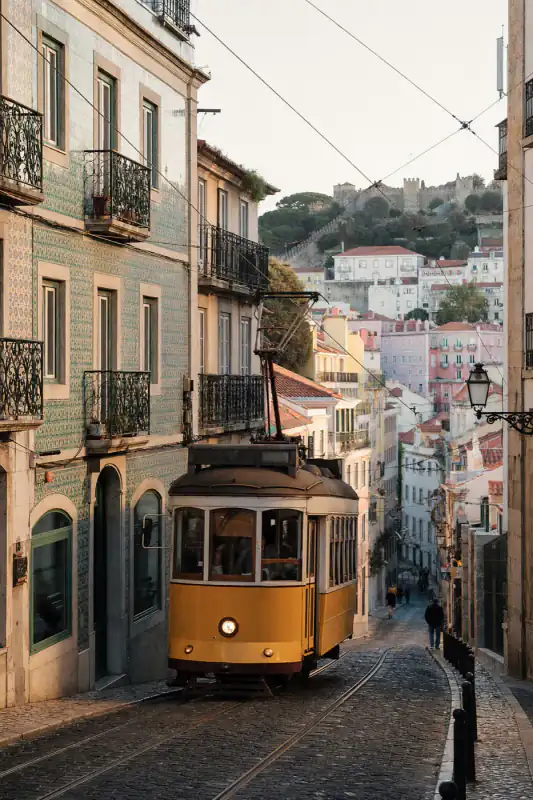
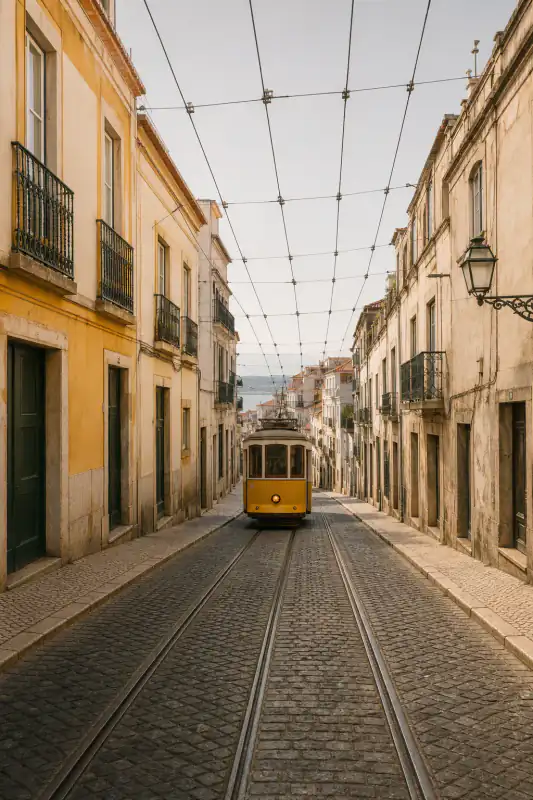
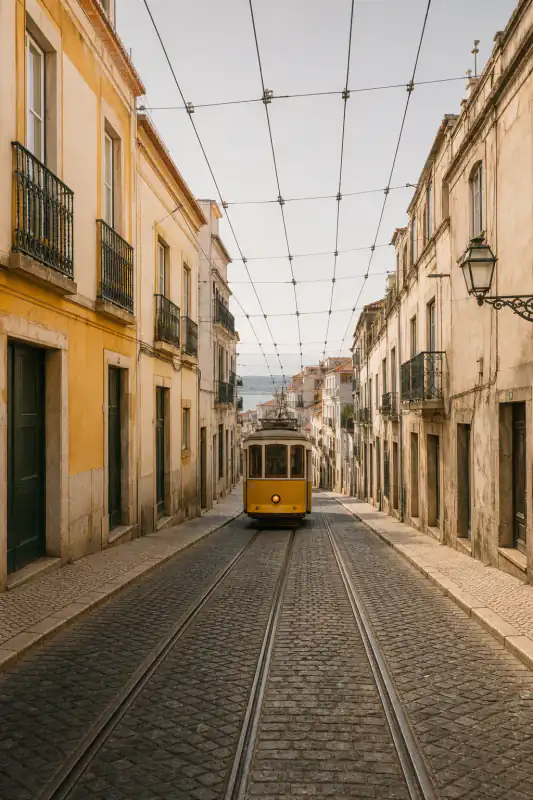
Found: Café Janela — Alfama, Lisbon · 91% Likely
Free result: spot name + map area + nearby — exact pin unlocks separately
Open in Google MapsFull analysis
Café Janela — Alfama, Lisbon · 91% Likely
The raw screenshot still had the Instagram caption bar, stickers, and progress UI. After auto-crop, three clues lined up: blue-and-white azulejo tiles on the terrace wall, a yellow tram curve matching Tram 28's Alfama run, and hard Atlantic coastal light — not the Cycladic whitewash + volcanic rock pattern that would push Greece.
The caption said "hidden gem 🇵🇹". That narrowed the search; the tiles and tram verified it. Output was the cafe name, a map area, and nearby viewpoints — not just "Portugal". Compare the scene on Maps before you book.
Full analysis
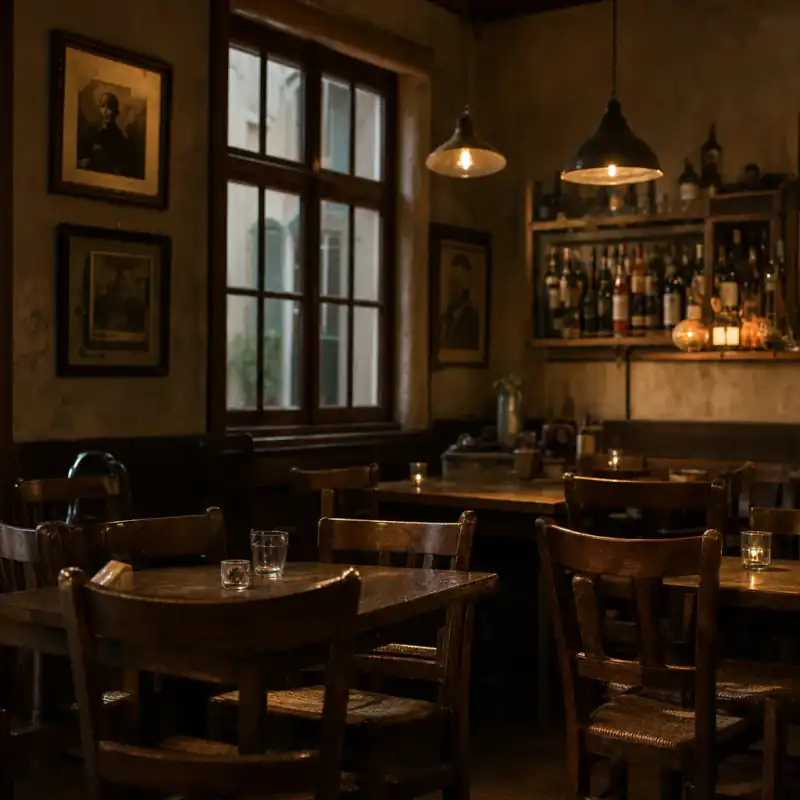
Kyoto, Japan · not enough evidence for a pin
This carousel slide was a tight food close-up: plate, chopsticks, no window, no storefront text. Instagram compression left almost no geography. The result named Kyoto at city level from weak ceramic and tableware cues — and labeled it low evidence instead of inventing a cafe pin.
Fix: grab a wider establishing frame from the same carousel (street, noren, facade), or use the six manual methods below. Exact-spot answers need background, not just the dish.
Real analyses — including the miss. Tap a card for the clues that gave away where each Instagram photo was taken, or why we refused to guess.
It's not you
The moment a photo is uploaded, its GPS metadata is gone — so even a saved original tells you nothing. See what's left in any photo → EXIF viewer
Creators skip them, or tag "Bali" for a cliff bar an hour from anywhere. Treat a vague location tag as a lead, never as the answer — the scene has to confirm it.
IYKYK is half of travel Instagram. The "where is this?😍" comments stay unanswered — which is probably why you're here.
That's why an Instagram location finder has to read the frame — not trust the tag.
Scene, not people: this tool identifies places in the photo. Don't use it to track or expose private individuals — uploads that look like that get blocked.
Transparent pipeline
From messy Instagram UI to a place you can open on a map — step by step.
UI, captions and stickers are detected and cut away automatically. You see, and can adjust, exactly what the AI will look at.
UI · captions · stickers
If it names a region, the search narrows. Hints get verified against the scene, never trusted.
OCR · never trusted alone
Architecture, shoreline, signage, plants: the clues that survive filters and reposts. That's how it can find the location from an Instagram photo that was never tagged.
Architecture · shoreline · signage
Top candidates with confidence levels, a map area, and what's nearby — free before you pay anything.
Candidates · map · nearby
The exact pin plus a Street View side-by-side, if you're planning a trip around it.
Exact pin · Street View
Reposts and screenshots strip GPS — these visual signals usually remain:
Shop lettering, menus, and alphabet choice often pin a country before anything else.
Coast curves, mountain lines, and city silhouettes narrow a reel to a region fast.
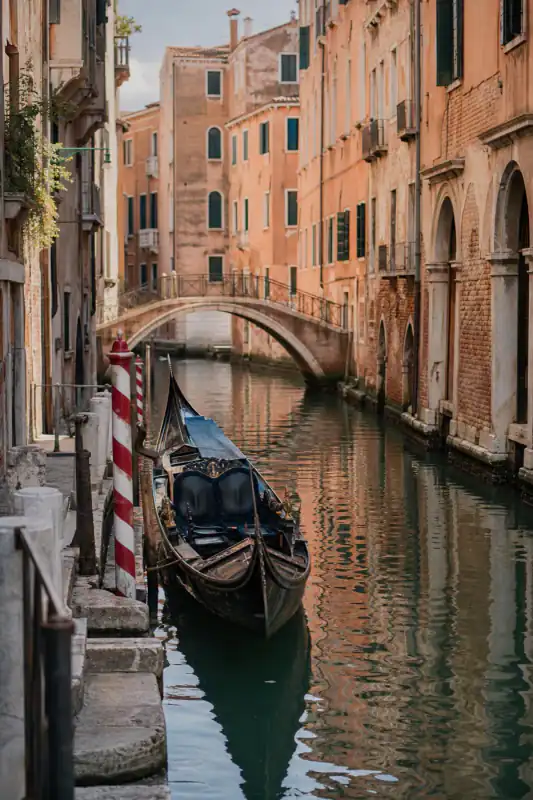
Tile styles, balcony types, tram tracks, and pavement patterns separate lookalike cities.
Volcanic rock, limestone cliffs, palms, or alpine light survive filters when faces don't help.
30-second tip
An establishing frame beats a close-up of the food.
A storefront, a street sign, a menu header. One readable word can pin a city.
Motion blur kills clues.
Scenery first; if confidence is low, try the second angle.
Bad frame? You'll get an honest "not enough evidence", not a guess. Grab another and go again — finding an Instagram reel location is free either way.
Manual methods
Creators often add a location tag to one post in the set — open their grid around the same date.
#hiddengemlisbon narrows more than you'd think. Translate foreign captions — locals tag in their own language.
Someone has usually asked. Sort by top; creators answer once, then never again.
"Guide" or city-named highlights often list every spot — a paid guide link is your confirmation it's gatekept.
Got a rough area? Google Maps satellite view plus the coastline or street pattern from the reel does the rest.
Specific and easy to answer gets replies. "Location?" doesn't.
Your real options
When there's no location tag, you have four moves. Here's when each one actually works:
| This finder | Google Lens | Asking in comments | Tag archaeology | |
|---|---|---|---|---|
| Works on spots never posted elsewhere online | reads the scene | ✓ if they answer | ||
| Handles messy screenshots | auto-crops | Partly | — | — |
| What you get | Spot name + map + nearby | Similar images / landmarks | A reply — maybe | A vague tag lead |
| Time to an answer | ~30 sec | Instant | Hours–never | 10–20 min |
| Map + nearby included | ||||
| Odds you can act on it today | High | Landmarks only | Luck | Luck |
Honest note: for famous landmarks, Google Lens is instant — try it first. This Instagram location finder earns its keep on the unlisted cafés, beaches and viewpoints that make travel feeds worth screenshotting. Always verify the free map result before you go. Lens gave you lookalikes with no place? Here's why →
Honest accuracy
On our screenshot test set — reel frames, stories with stickers, cropped carousels — city and exact-spot hit rates publish with the methodology once the Instagram subset is locked. Until then: wide frames with any text beat food close-ups and windowless interiors; when evidence is thin, you get "not enough evidence" instead of a fake pin. Treat every free result as map-ready evidence to verify, not a finished boarding pass.
PAA answers
Screenshot the clearest frame and upload it here. The AI crops the UI, reads the scene, and names the most likely spots with a map. If the frame is too tight or filtered, work through the six manual methods above — the creator's other posts and highlights solve a surprising number.
Yes — reel frames and story screenshots are most of what people upload. Pause on the widest shot, screenshot, upload. Stickers, captions and progress bars are removed automatically.
No. UI, captions and stickers are detected and cropped automatically, and you can adjust the crop before analysis runs. Uploading the raw screenshot straight from your camera roll is the intended way.
Often the exact spot, when the frame has clues — a storefront, a coastline shape, distinctive architecture. When the evidence only supports a city, it says so instead of inventing a pin. The paid unlock adds the exact pin with a Street View comparison.
Yes — that's the most common case. A tag like "Bali" plus the visual clues in the frame usually narrows to the specific beach or cliff. Type the vague tag into the hint box; it speeds up working out where the Instagram photo was taken. Treat the tag as a lead, never as proof on its own.
Yes. Candidates, confidence, reasoning, a map link and nearby places are free with no account. Paying adds the exact pin and Street View proof — from $0.10 per unlock with Plus, or $3.99 once after sign-in. Saving spots to a trip list is free with just an email.
Yes. Caption text is read as a hint, then verified against the scene — never trusted on its own. "Hidden gem in Portugal" narrows the search; the azulejo tiles in the frame confirm the Instagram photo location.
No. Instagram's Places search only finds posts that already have a location tag. This tool finds the location from the Instagram photo itself — no tag needed, which is the whole point.
No. It identifies places, not people — using it to track someone violates our terms, and uploads that look like that use case get blocked. It's for finding cafés, not people. Scene, not people.
The Instagram location finder is free, with no sign-up — and your screenshots are deleted in 24 hours.
Free · no sign-up · deleted in 24h