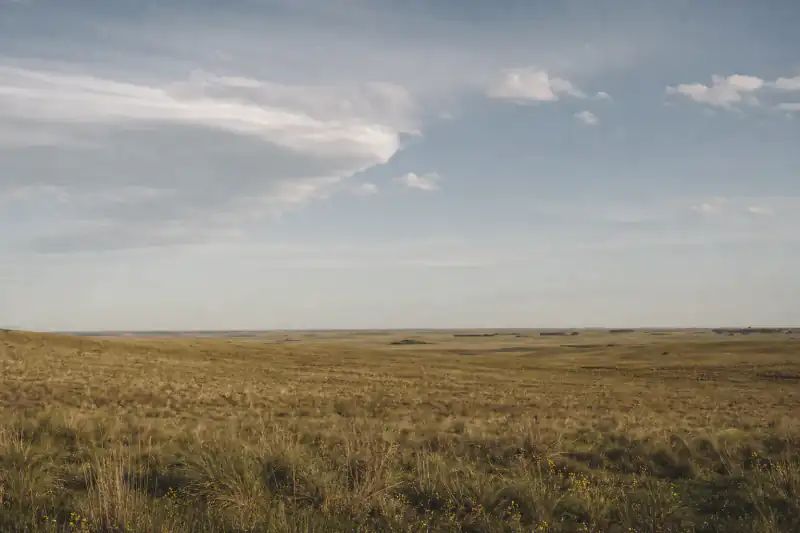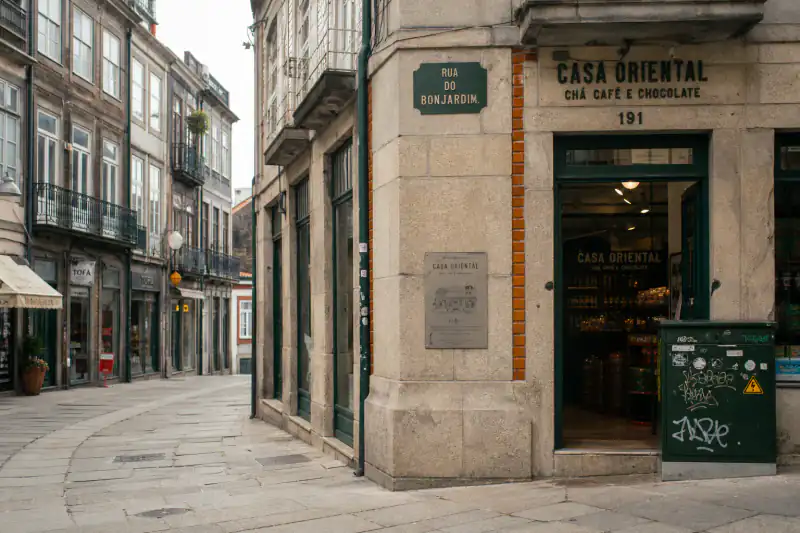
Lens: lookalikes only — solved from signage
Porto, Portugal
91%LikelyPortuguese shop signsgranite façades
See how it was solved
Reverse image search for location — free, no sign-up
Google Lens gave you lookalikes. TinEye says "0 results." You still don't know where the photo was taken.
Photos auto-delete within 24 hours — never added to any search index, never used for training.
No photo handy? Try one reverse image search couldn't crack:
Google Lens gave you lookalikes. TinEye says "0 results." And you still don't know where the photo was taken. Classic reverse image search hunts for copies of your image online — this tool reads the location clues inside the frame instead: signs, architecture, road markings, terrain. The photo doesn't need to exist anywhere on the web. Free, no account — and you see the reasoning, not just a pin.
After the engines fail
Three real photos where every image location search hit a wall — and what the clues inside the frame revealed anyway. One of them we couldn't fully solve. We show you that one too.
TinEye: 0 results — solved from the pixels
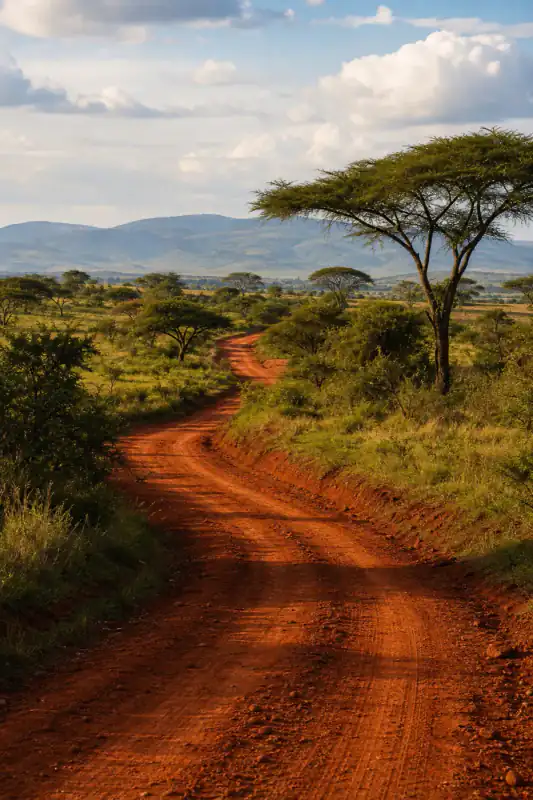
Every case links to the full analysis — the photo, the clues, the map. No invented testimonials. And when a photo doesn't carry enough evidence, the result says so.
Why the engines stall
A reverse image search finds copies and lookalikes of your photo that are already indexed on the web — it can only name a place if that exact photo, or a famous landmark, was posted before. A reverse image search for location works the opposite way: it reads the geographic clues inside the image itself, so nothing needs to match.
Your camera roll, a friend's photo, a dating profile. No indexed copy, no match — "0 results" means the image wasn't found, not that the place can't be.
Captions, UI bars and compression change the image fingerprint; engines miss even photos that are online.
Lens knows the Eiffel Tower, not an ordinary corner in Porto — and ordinary corners are what people actually ask about.
Instagram, WhatsApp and TikTok remove location metadata on upload. The data is gone; the visual clues aren't.
All four are exactly what this page is built for. Try it above
Pick by what your image is
These reverse image search engines aren't rivals — they answer different questions. Pick your starting point; serious investigators run more than one.
Google Lens
TinEye
Yandex
Bing Visual
This tool
A famous landmark? Honestly, just use Lens — it's instant. Need the original source of a viral image? TinEye is still the best tool ever built for that. This page earns its keep on everything in between: photos that exist nowhere online but have a story written all over them.
And you don't have to choose — every result here runs your exact photo through all four engines with one tap.
OSINT, plain English
The same layered process OSINT investigators use, in plain English — and every step runs right on this page.
The photo's location may still be in the file — original camera files carry GPS. Check it in your browser; the photo never uploads. Downloaded from social media? Skip — GPS is already stripped.
Search the full frame, then crop to the strongest detail — a sign, a storefront — and search again. Cropping is the single biggest reverse image search trick.
Engines empty? Upload above: the AI reads signs, architecture, road markings, vegetation and terrain, and returns the most likely places with the reasoning.
Never stop at an AI answer — ours included. Open the top candidate in Street View and compare fixed features. Every result includes a one-line "how to rule this out" check to make this fast.
Honest accuracy
Honest answer: it depends on the frame. On our public test set, clue reading beats a classic reverse image search on unposted and cropped photos — but when the evidence is thin, you'll see "not enough evidence" instead of a confident guess. Country and city hit rates are published with the methodology once Gate A numbers are locked.
When reverse search struggles
Free result first
Free, every photo: the top 3 places it was likely taken, confidence levels, the reasoning, and a map link. No account, up to 2 free analyses a day, 5 a week. When you need proof — the exact pin, a side-by-side Street View match, and a photo location report you can keep — it's from $0.10 per unlock with Plus ($16.99/month or $59.99/year ($5.00/month billed yearly), 50 unlocks a month, unused ones bank up to 150), or $3.99 to unlock just this photo after sign-in. Not just AI guessing — verified. You always see the free result first, and a single unlock's $3.99 counts toward Plus if you join within 7 days.
Your photo auto-deletes in 24 hours and is never added to any index. The engine buttons create a temporary link so Lens or TinEye can read the image — only when you tap, and it self-destructs in one hour. Places, not people: uploads aimed at locating individuals get blocked.
PAA answers
Only indirectly — engines find indexed copies, and a place appears only if a matched page happens to mention it. For photos that aren't online, clue-based AI reading is the reliable route: ranked places, each with a confidence level. That's this page.
Three steps: check the file's EXIF for GPS (instant, in your browser); run a reverse image search to find the photo online with context; if both come back empty, upload it here — the AI reads the visual clues and suggests ranked places you can verify on a map.
Lens matches pictures; it doesn't read geography. Crop to the most distinctive detail and run it again — or upload here and have the clues read directly. The lookalikes can still help: check where those similar photos were taken and treat them as leads.
No. It only means no indexed copy exists — true for most private photos and fresh screenshots. The evidence is still in the pixels: signs, driving side, building style, vegetation. A location-focused reverse image search doesn't need a match online.
Depends on the image. Lens wins on landmarks and readable text; TinEye on tracing an image's original source; Yandex on Eastern European scenes. None work on unposted photos — that's where AI clue reading takes over. Every result here links to all four.
Classic engines usually can't — crops and UI change the image fingerprint. Here, screenshots are the most common upload: interface elements are removed automatically. Pick the frame with the most background detail — buildings, signs, shoreline.
The answer is free, no account: ranked places, confidence, reasoning, and a map. Paying adds the exact pin, Street View proof and a saveable report — $3.99 for a single photo (sign-in required), or from $0.10 per unlock with Plus ($59.99/year, unlocks bank up to 150). You never pay to find out whether it worked.
No — analyzed, then auto-deleted within 24 hours. Never indexed, never used for training. One exception, under your control: tapping an engine button creates a temporary link so that engine can read the image; it self-destructs in an hour.
That photo isn't going to explain itself — a reverse image search for location takes 30 seconds and costs nothing.
Free · no sign-up · deleted in 24h