Short version: yes. Modern AI can often estimate where a photo was taken — sometimes down to the neighborhood — even when the image has no GPS coordinates and no EXIF metadata at all. If that sounds unsettling, it should, a little. But the useful response isn't panic; it's understanding how it works, how accurate it really is, and the handful of habits that meaningfully reduce your risk.
This article sticks to what published research and testing actually show, not the scariest headline.
The short answer: yes — and it works without GPS or EXIF
Most people assume that once they strip location metadata (or post to a platform that strips it for them), their photos are "safe." That was true for the metadata layer. It is no longer true for the pixels.
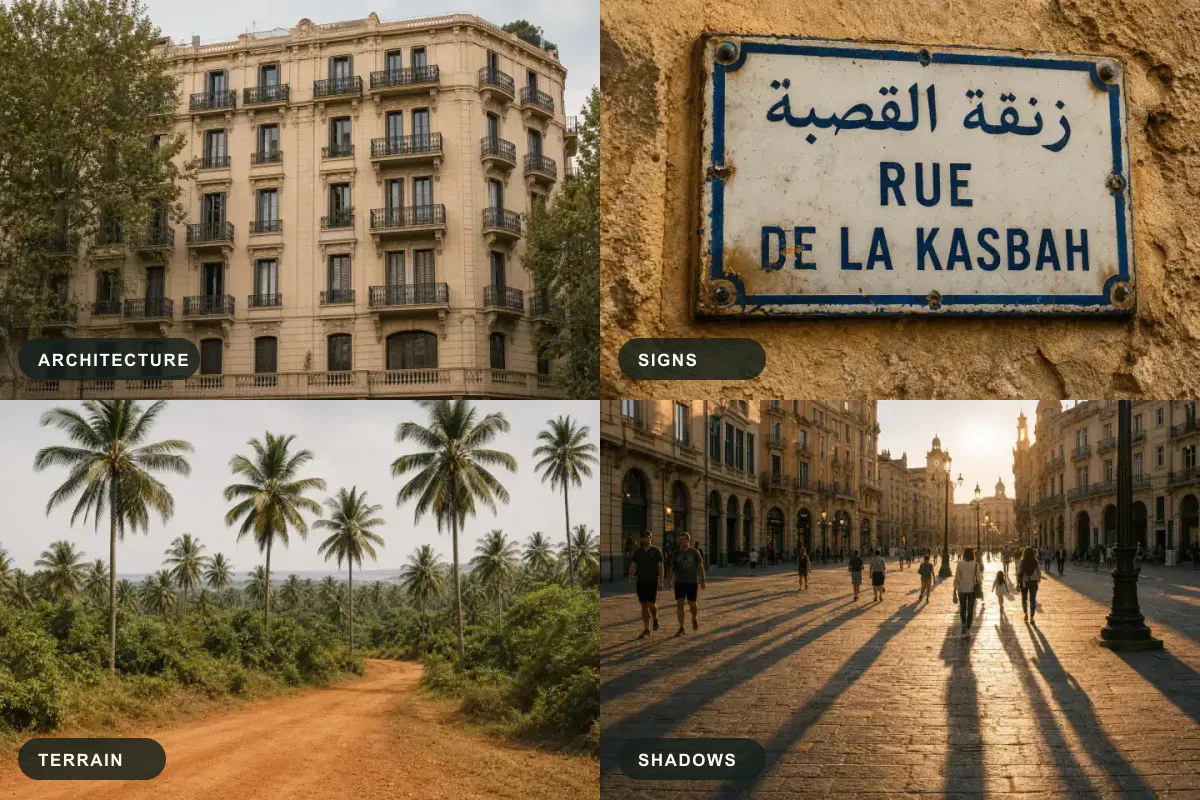
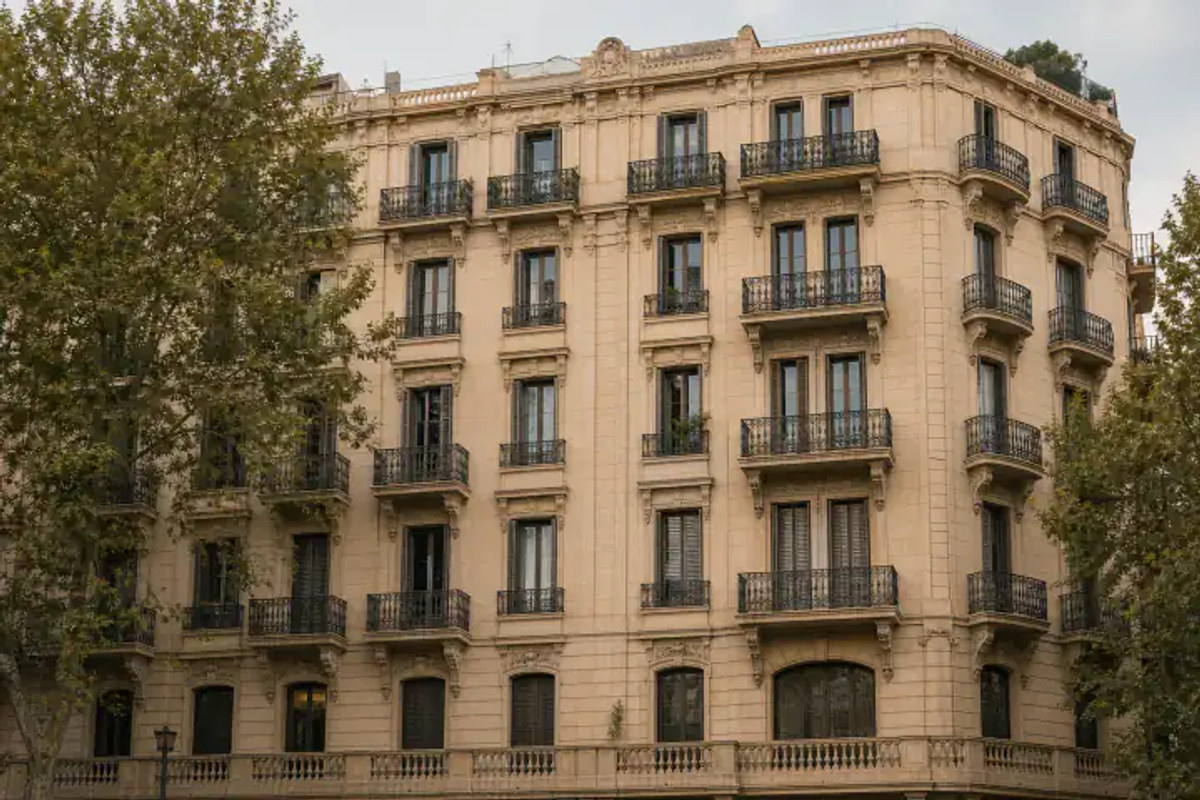
Newer vision-language models don't need EXIF. They read the image itself — the architecture, the road markings, the signage language, the vegetation, even shadow angles — and reason toward a location the way a trained geographer would. Privacy International's research on AI geolocation puts it plainly: these systems can infer where a photo was taken "with striking speed and accuracy," and most people have no idea widely available tools can do it.
How accurate is it, really? (What the research says)
Accuracy varies heavily depending on the scene, but recent academic benchmarks are sobering.
In controlled studies analyzing outdoor photos taken near private residences (such as the Doxing via the Lens research, which evaluated hundreds of test images), researchers found that advanced vision-language models can frequently identify the correct city or even the specific neighborhood.
When evaluating these AI models on standard academic datasets (like the Im2GPS benchmark), performance is categorized by radius. The research consistently demonstrates that:
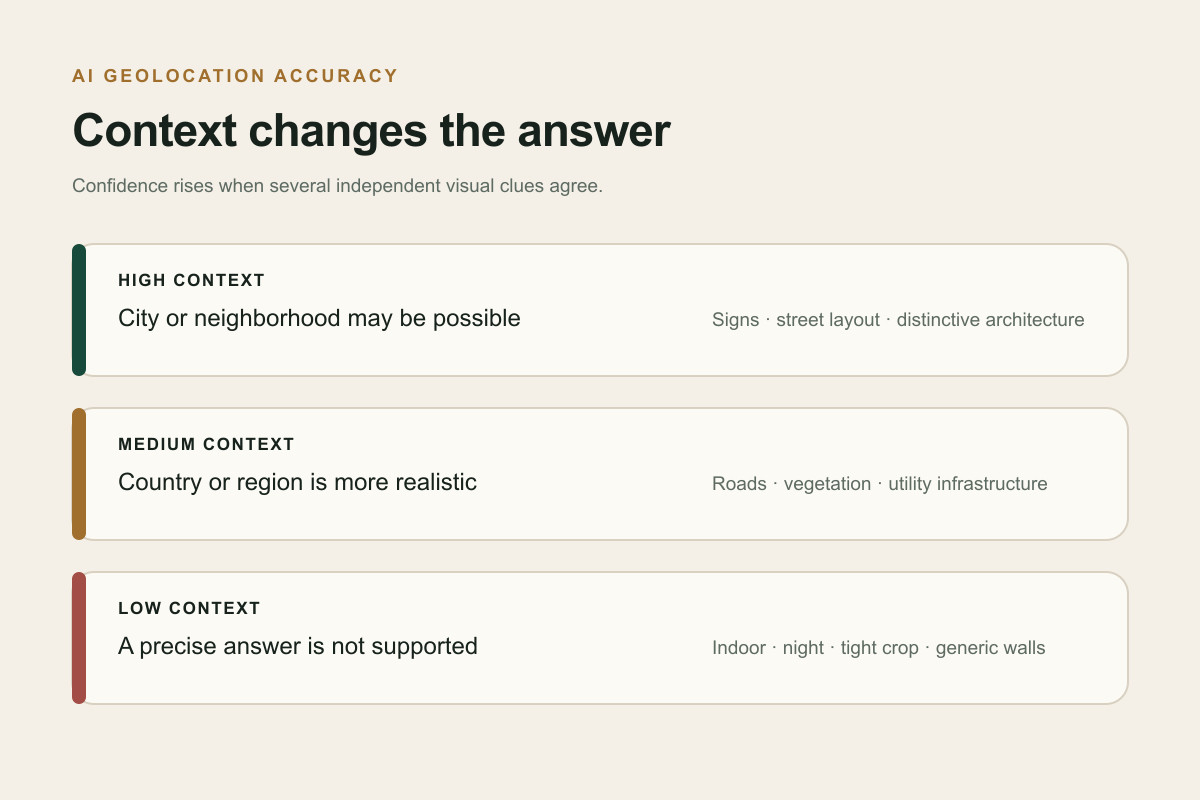
- High-context outdoor photos (showing streets, infrastructure, and distinct vegetation) are often placed within a few dozen kilometers of the true location.
- Urban environments with legible text or unique architectural styles can sometimes be pinned down to a specific city block.
Two caveats keep this honest: indoor shots, night photos, tight portraits, and heavily cropped images are much harder because they contain fewer geographic clues. Furthermore, "accuracy" is a distribution, not a guarantee. A distinctive intersection can be identified instantly, while a generic brick wall may be impossible to place even by the most advanced models.
What clues does the AI actually read?
When metadata is gone, the model works from visible evidence:
- Architecture — building styles, materials, roof shapes, window patterns.
- Signage and language — the script alone narrows the region; a shop name can pin a city.
- Road markings and infrastructure — line colors, bollards, utility poles, guardrails.
- Vehicles and plates — plate shape and color survive number blurring.
- Vegetation, terrain, and sky — climate and hemisphere hints from plants, soil, and sun position.
- Street layout and front-yard design — the research found these among the most revealing features for precise, residence-level geolocation.
Is your own photo at risk? A quick self-check
Ask yourself:
- Does the photo show any outdoor context — a street, a storefront, a view from a window?
- Are there readable signs, house numbers, or distinctive landmarks?
- Is it taken near your home, workplace, or a place you visit routinely?
- Have you posted several photos from the same area, letting someone triangulate?
The more "yes" answers, the more a determined viewer could infer where you are. Screenshots and social-media downloads are not automatically safe — platforms strip metadata, but they can't strip the pixels.
5 steps to reduce your location-leak risk today
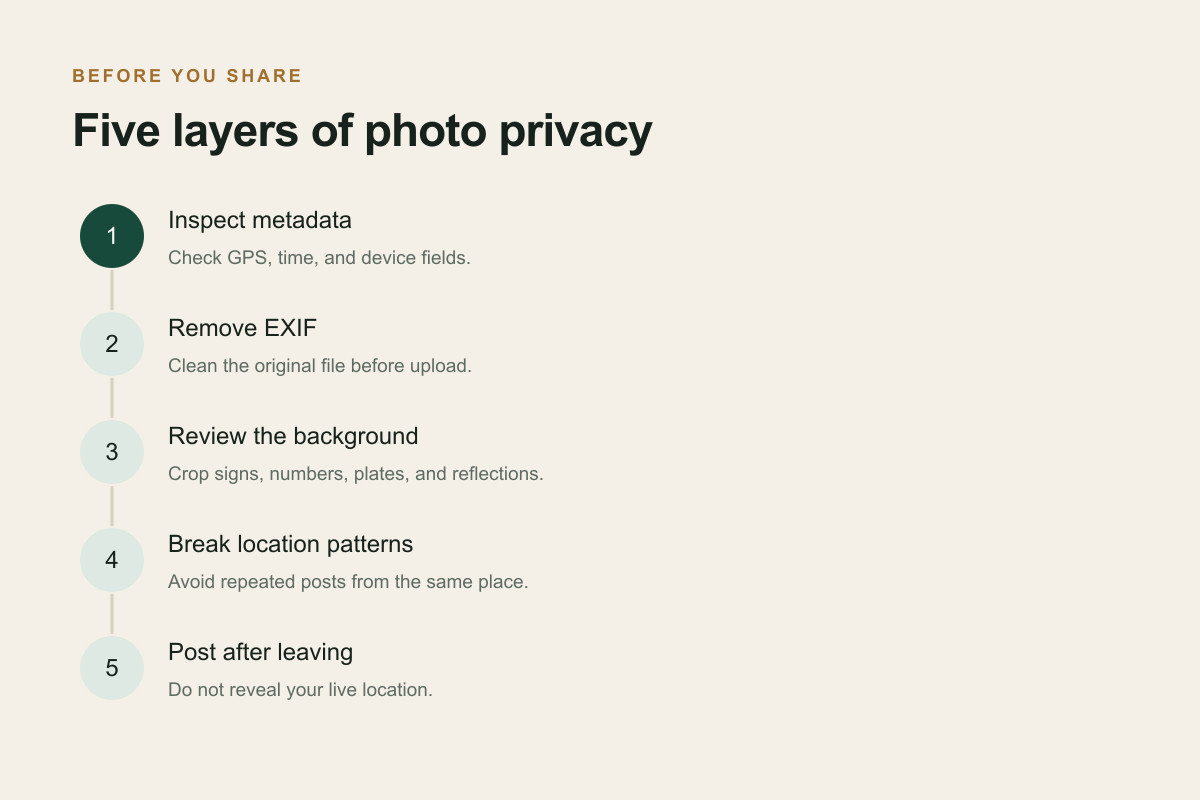
- Strip metadata before you share. Even though many platforms remove EXIF on upload, private channels (email, messaging "document" modes, cloud links) often don't. Clean the file yourself first with an EXIF remover so it's safe everywhere.
- Check what a photo actually contains before posting — open it in an EXIF viewer to see whether GPS and camera data are present.
- Watch the background. Crop out or blur house numbers, street signs, unique storefronts, and license plates near your home.
- Avoid posting a pattern. Multiple photos from the same corner, gym, or café make triangulation trivial even without any single revealing shot.
- Delay location-revealing posts. Sharing "I'm here right now" is riskier than sharing after you've left.
The honest trade-off (why this technology also helps people)
The same capability that enables doxxing also powers investigative journalism, disaster response, fraud verification, and reuniting people with the places in old family photos. Tools like ours are built to be used with consent — to identify where your photo was taken, verify a listing before you rent, or place a decades-old family picture. The technology isn't going away; the responsible move is to understand it, use it ethically, and protect your own footprint.
If you want to see exactly what a photo reveals — and clean it before sharing — start with our free EXIF viewer to inspect the hidden data, then remove it with our EXIF remover.
Frequently asked questions
Can AI find my location if I removed GPS data? Often, yes. Removing GPS/EXIF stops metadata-based lookups, but modern models read visual clues in the pixels (architecture, signage, terrain), so a photo with outdoor context can still be geolocated.
Can ChatGPT tell where a photo was taken? In testing, advanced models have located photos to within a mile in a majority of cases when the image contained enough visual context. Accuracy drops sharply for indoor, night, or tightly cropped images.
Does posting to Instagram or WhatsApp protect me? Only partially. These platforms usually strip EXIF from the downloadable copy, but they don't remove the visual clues in the image — and some private-sharing modes can leak metadata anyway. Learn more about how Instagram handles EXIF.
How do I make a photo safe to share? Strip its metadata before sharing, remove or blur identifying background details (signs, house numbers, plates), and avoid posting multiple images from the same location in real time.
References
- Privacy International — Nowhere to Hide? Privacy Risks and Policy Implications of AI Geolocation
- arXiv 2504.19373 — Doxing via the Lens: Privacy Leakage in Image Geolocation
- ZDNET — reporting on ChatGPT o3/o4-mini image-location capability
- Im2GPS benchmark